Amazon GTIN Converter
Need to convert GTIN, UPC, or EAN to Amazon ASIN? Use our free tool for quick, accurate results and simplify your product listing process!
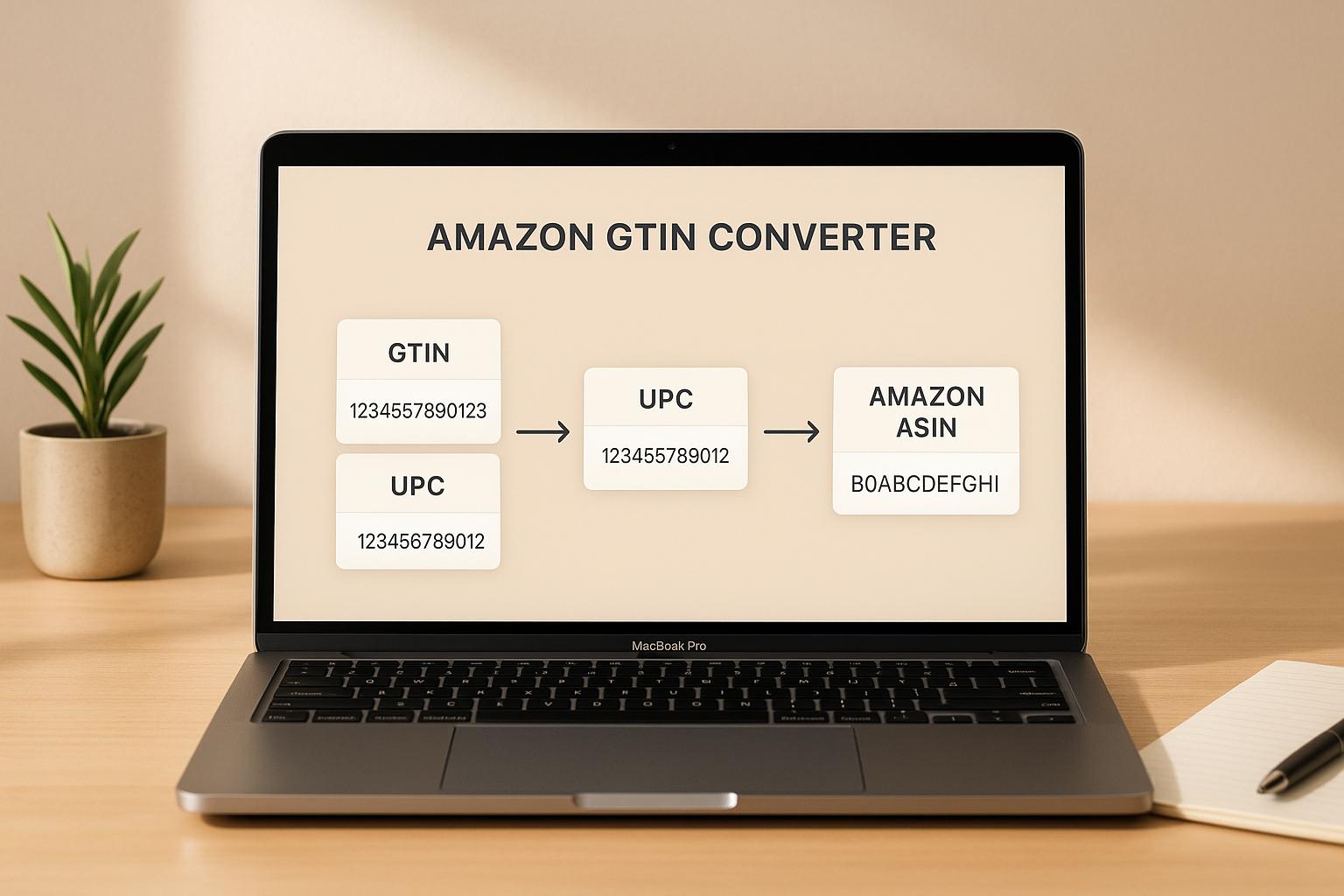
Simplify Product Listings with an Amazon GTIN Converter
If you’re an Amazon seller or manage e-commerce inventory, you know how tricky it can be to juggle different product identifiers. Matching Global Trade Item Numbers (like UPC or EAN) to Amazon’s unique ASINs can eat up hours of your day. That’s where a reliable conversion tool comes in handy. It streamlines the process, letting you quickly translate one code to another without endless manual searches.
Why Conversion Matters
Having the right product ID is crucial for listing items, tracking stock, or syncing data across platforms. A tool that swaps between GTINs and ASINs ensures accuracy, cuts down on errors, and keeps your workflow smooth. Whether you’ve got a single item or a bulk catalog, this kind of utility is a game-changer for efficiency. Plus, it helps avoid costly mistakes like listing a product under the wrong identifier.
Save Time and Stay Focused
Instead of digging through databases or contacting support, use a dedicated converter to handle the heavy lifting. It’s a small step that makes a big difference, freeing you up to focus on sales and growth. Try it out and see how much smoother your day can be!
FAQs
What types of codes can this tool convert?
Our Amazon GTIN Converter handles Global Trade Item Numbers, which include UPC and EAN codes, and converts them to Amazon ASINs. It also works the other way—enter an ASIN, and we’ll try to find the matching GTIN. Keep in mind that not all codes have a direct match due to Amazon’s database limitations, but we’ll let you know if that’s the case.
What happens if my GTIN or ASIN isn’t recognized?
If the code you entered doesn’t pull up a match, don’t worry. It could be due to an invalid format or the data not being available in Amazon’s system. We’ll show a friendly error message explaining the issue and offer tips—like double-checking the number or trying a different code. We’ve got your back!
Is this tool free, and do I need an account to use it?
Yep, it’s completely free! No sign-ups, no hidden fees—just pop in your code and get the results. We built this to help Amazon sellers and anyone dealing with product IDs, so it’s all about making your life easier without any extra steps.